Our studio’s own project
Yucod: a website and a workflow from brief to enquiry management
For our own studio, we connected the website, service catalog and internal enquiry workflow. This case study shows the structure and implemented journeys of that project.
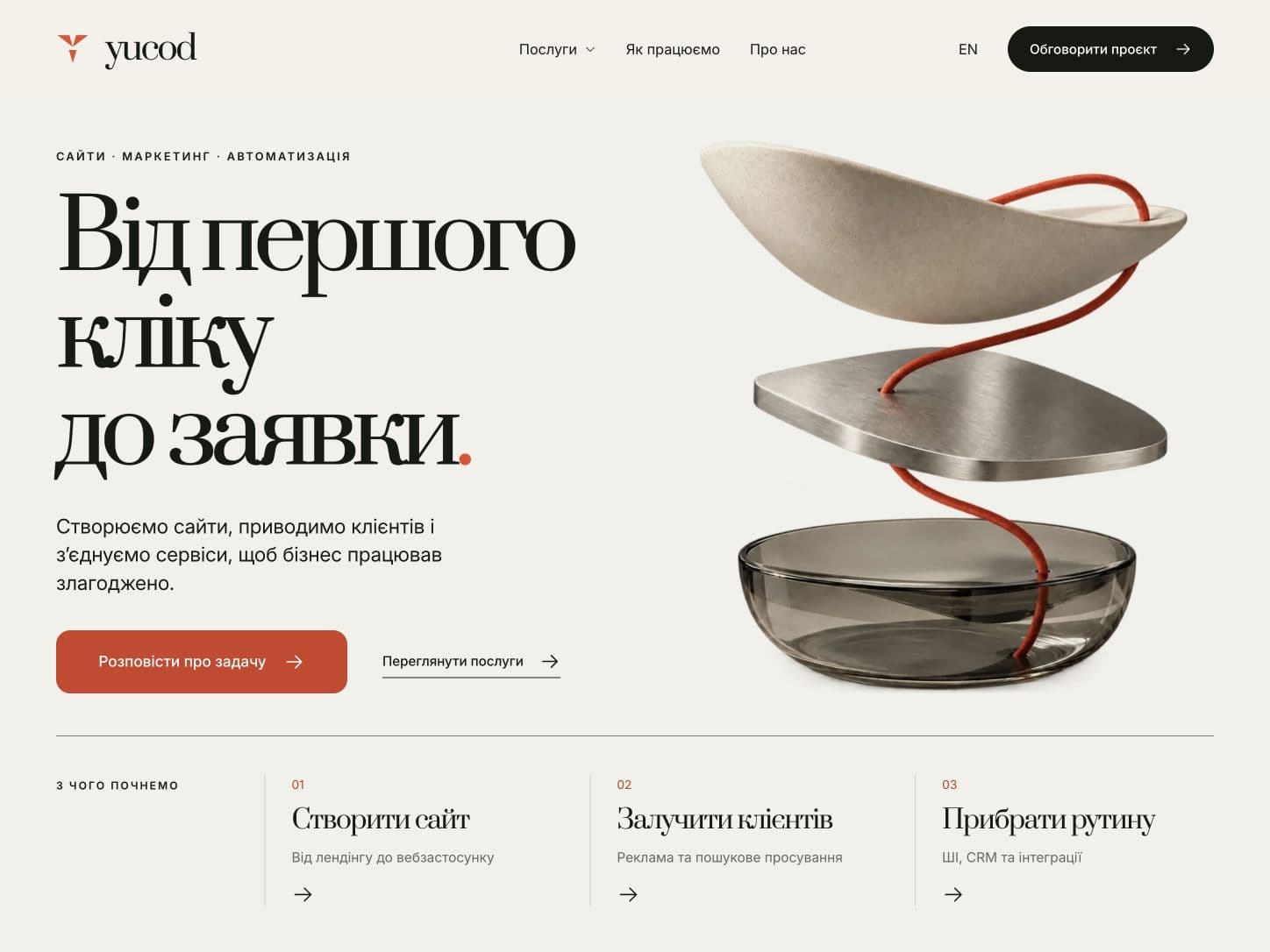
Explain the offer and collect the task
The website needed to explain what the studio does, help people find a service and pass their project description into the working process. The price is agreed after the brief and scope discussion.
Three areas, one catalog
Services are grouped around websites, customer acquisition and automation. The catalog includes search and filters by area and category. Individual pages explain the scope, who the service is for and how to get started.
The homepage, catalog, service pages and forms have Ukrainian and English versions. Language counterparts are connected in navigation and metadata.
Explore our servicesA clear first step
A light background, distinct headings and a coral accent form the visual system. The homepage pairs the brief button with a catalog link and a short overview of the three areas. Service pages share a common layout.
The brief reaches a private CRM
- A visitor chooses a service or starts with a general task. The selected service and package carry into the brief.
- The brief collects the need, business and goal, current website, scope and contact. The budget is optional.
- Before sending, visitors can review the summary, return to an answer or download the brief as text.
- The form confirms receipt after the enquiry is saved. If saving fails, the entered information remains in the form.
- The owner opens the enquiry in a private CRM, reviews the brief, manages its status and notes, and sets the next action and date.
An estimate after the scope is clear
The CRM lets the owner create an estimate manually, with work items, quantities, unit prices, notes and terms. The total is calculated from those entered amounts. An estimate can be a draft or a ready proposal; its initial list of work is empty.
What we checked
- Main page journeys, language counterparts, the catalog and mobile navigation.
- Form validation, brief editing and receipt of synthetic enquiries.
- Private enquiry storage and CRM access after owner login.
- Exact estimate totals, reminder dates and preservation of unsaved changes during an editing conflict.
These case study materials come from a local version of the project. Form and CRM checks used synthetic data.
Start with your task
Describe your business and the outcome you need. We will agree on the scope, estimate and timeline after the brief.